Working with JSON
Reading and Writing Structured Data
In the previous unit, we learned to fetch data from APIs. Now let's understand JSON, the format that powers most of those API responses.
What Is JSON?
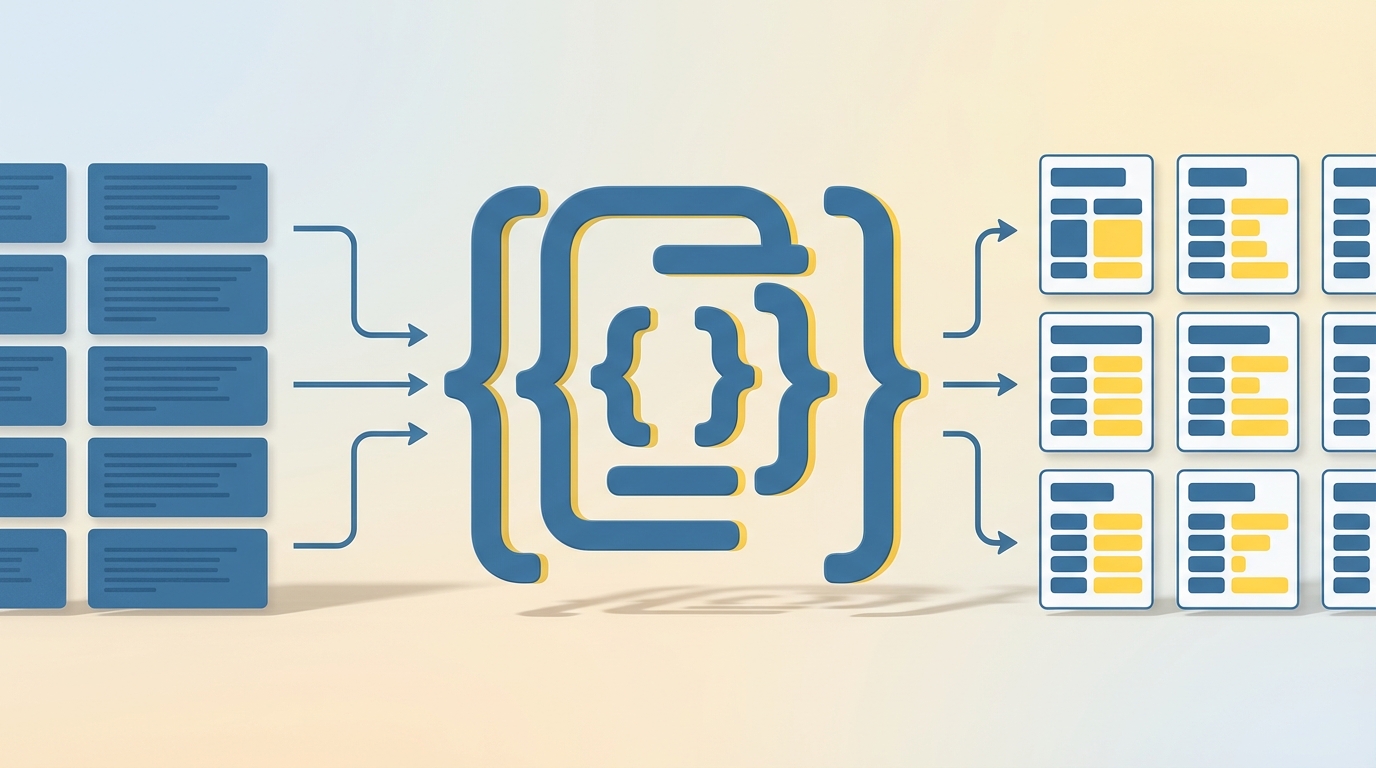
JSON (JavaScript Object Notation) is a text format for structured data. Despite the name, it works with any programming language. Here's what JSON looks like:
{
  "name": "Alice",
  "age": 25,
  "city": "Seattle"
}
It looks a lot like a Python dictionary, and that's intentional. JSON supports strings, numbers, booleans, arrays (like Python lists), objects (like dictionaries), and null.
The key thing to remember: JSON is text. When you receive JSON from an API, it arrives as a string. You need to parse it into Python objects to work with it.
Python's json Module
Python's built-in json module handles the conversion between JSON strings and Python objects.
json.loads() parses a JSON string into Python:
import json

json_string = '{"name": "Alice", "age": 25}'
data = json.loads(json_string)
print(data['name'])  # Alice
json.dumps() converts Python to a JSON string:
person = {'name': 'Bob', 'age': 30}
json_string = json.dumps(person)
print(json_string)  # {"name": "Bob", "age": 30}
For readable output, add indentation:
json_string = json.dumps(person, indent=2)
Working with Files
json.dump() writes directly to a file:
with open('data.json', 'w') as f:
    json.dump(person, f, indent=2)
json.load() reads from a file:
with open('data.json', 'r') as f:
    data = json.load(f)
Notice the pattern: loads/dumps work with strings, load/dump work with files.
Parsing API Responses
When you call .json() on a requests response, it handles the parsing for you:
import requests

response = requests.get('https://dummyjson.com/posts/1')
data = response.json()  # Already a Python dict
print(data['title'])
But sometimes you need to work with the raw text:
raw_json = response.text  # String
data = json.loads(raw_json)  # Parse it yourself
Sending JSON to APIs
When posting JSON to an API, you have two options:
Option 1: Let requests handle it (recommended):
payload = {'title': 'New Post', 'body': 'Content'}
response = requests.post(url, json=payload)
Option 2: Convert manually:
import json

payload = {'title': 'New Post', 'body': 'Content'}
headers = {'Content-Type': 'application/json'}
response = requests.post(url, data=json.dumps(payload), headers=headers)
The first approach is cleaner and sets the headers automatically.
Project: Quote Display
Let's fetch a random quote from an API and display it with Turtle:
import turtle
import requests

response = requests.get('https://dummyjson.com/quotes/random')
data = response.json()
quote = data['quote']
author = data['author']

screen = turtle.Screen()
screen.bgcolor("lightyellow")

t = turtle.Turtle()
t.hideturtle()
t.penup()

t.goto(0, 50)
t.write(quote, align="center", font=("Arial", 14, "italic"))

t.goto(0, -50)
t.write(f"- {author}", align="center", font=("Arial", 12, "bold"))

turtle.done()
The API returns JSON with quote and author fields. We parse it and display both on screen. Each time you run it, you'll see a different quote.
Try extending this: save favorite quotes to a JSON file, or add a keyboard shortcut to fetch a new quote.
In the next unit, we'll learn about debugging and handling errors in Python code.