Learning Python from Scratch
A Visual Approach with Turtle Graphics
When I set out to teach my kids programming, I wanted something different from the typical "Hello World" progression. I wanted them to see what their code was doing, immediately, on screen. That's what led me to Python's Turtle library.
Turtle gives you a little cursor that you can move around the screen with code. Tell it to go forward, turn left, change colors. The feedback is instant and visual. For someone just starting out, that connection between typing code and seeing something happen is everything.
This course grew out of that experience. It starts with the absolute basics (what even is programming?) and builds through thirty-four units to a working Snake game. Each unit has theory, code examples, and a mini project. The projects all use Turtle, so you're building something visual every step of the way.
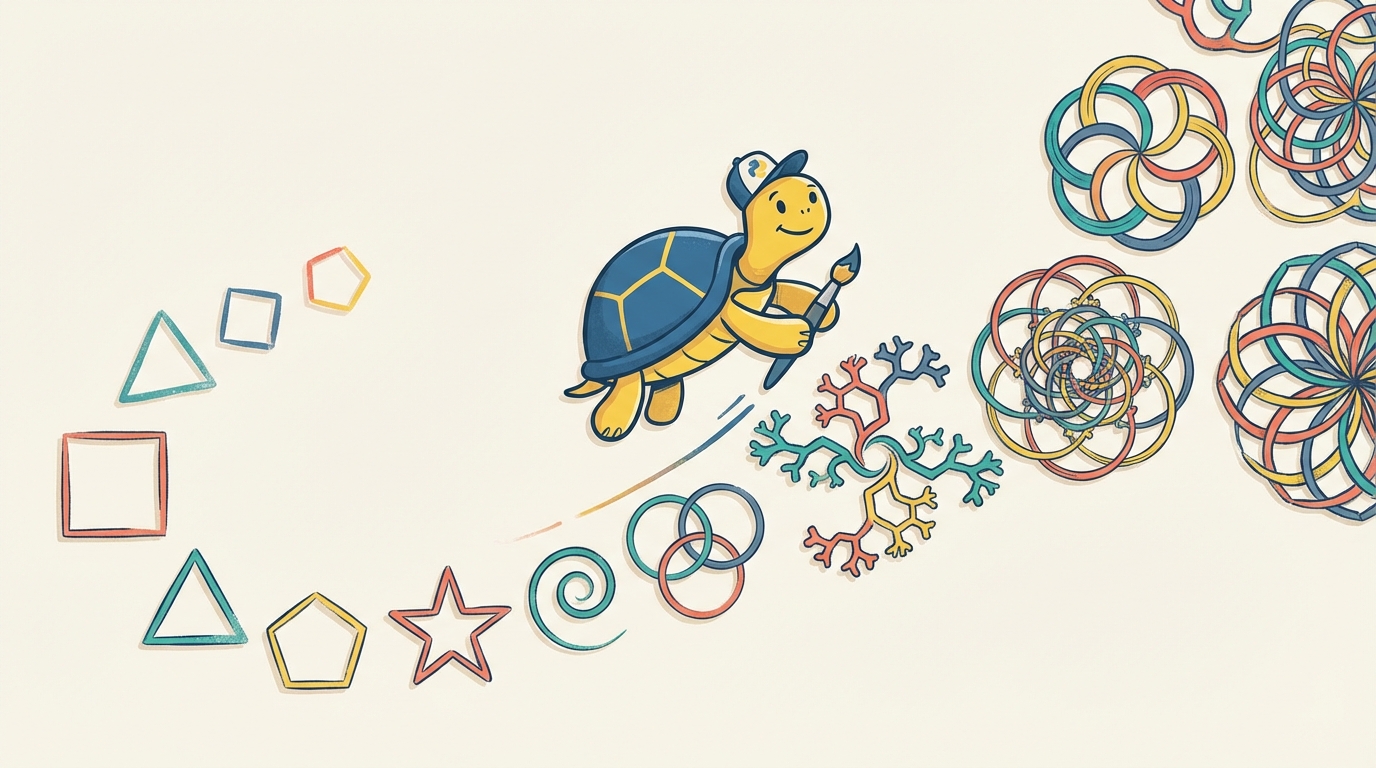
The Units
Unit 1: Introduction to Python and Turtle What programming is, how to set up Python and VS Code, and your first Turtle program. Project: draw a square.
Unit 2: Variables and Data Types How Python stores information. Strings, integers, floats, booleans, and basic operations on each. Project: draw a shape based on user input.
Unit 3: Operators and Boolean Logic Arithmetic, comparisons, and logical operators (and, or, not). Project: draw different shapes based on user input.
Unit 4: If Statements Controlling program flow with if, else, and elif. Nested conditions. Project: color a shape based on its number of sides.
Unit 5: Match-Case Statements Python's pattern matching syntax and when to use it instead of if-elif chains. Project: same coloring logic, different approach.
Unit 6: While and For Loops Repeating actions with loops. Break and continue for loop control. Project: draw patterns using repetition.
Unit 7: Functions Creating reusable code blocks. Parameters, arguments, return values. Project: draw patterns using functions you define.
Unit 8: Lambda Functions Anonymous functions for quick, inline operations. Project: use lambdas to control shape colors.
Unit 9: Turtle Events Making programs interactive with keyboard and mouse events. Project: a turtle that responds to clicks and arrow keys.
Unit 10: Built-in Functions Python's toolkit of ready-to-use functions. print, input, len, type, and type conversions. Project: enhance your turtle program with built-ins.
Unit 11: String Operations Working with text. Methods like lower, upper, split. Formatting, concatenation, interpolation. Project: word processing and analysis.
Unit 12: Lists Storing multiple values. Creating, accessing, modifying lists. Methods like append, remove, sort. Project: store shapes in a list and draw them in sequence.
Unit 13: List Comprehension A concise way to create lists. Syntax and conditionals. Project: generate turtle movements with list comprehension.
Unit 14: Ranges, Sets, and Tuples Other collection types and when to use each. Project: range controls size, set controls colors, tuple controls position.
Unit 15: Dictionaries Key-value pairs for structured data. Creating, accessing, modifying, and dictionary methods. Project: map commands to turtle actions.
Unit 16: File Operations Reading and writing files, including CSV format. Project: save and restore turtle drawings.
Unit 17: OOP: Classes and Objects Classes and objects. The fundamentals of OOP in Python. Project: create a Shape class.
Unit 18: OOP: Methods and Variables The init method, instance methods, and the difference between class and instance variables. Project: add perimeter, area, and draw methods to Shape.
Unit 19: OOP: Inheritance Creating subclasses, overriding methods, and the super() function. Project: specific shape subclasses that draw themselves.
Unit 20: OOP: Encapsulation and Polymorphism Private variables, access modifiers, and polymorphic behavior. Project: refactor Shape with proper encapsulation.
Unit 21: Recursion Functions that call themselves. Base cases, recursive cases, and when to use recursion over iteration. Project: draw fractals.
Unit 22: Creating Modules
What modules are, creating your own, importing, and the __name__ == '__main__' guard. Project: create a shape_utils module.
Unit 23: Packages and Libraries
Packages vs modules, __init__.py files, package structure, and installing from PyPI. Project: organize shapes into a package.
Unit 24: Python Standard Library Exploring built-in modules: math, random, datetime, json. Project: enhance your turtle program with standard library functions.
Unit 25: Making API Requests What APIs are, HTTP methods, and the requests library. Project: fetch data from an API.
Unit 26: Working with JSON JSON format, Python's json module, encoding/decoding, parsing API responses. Project: display a random quote with turtle.
Unit 27: Debugging and Error Handling Finding and fixing bugs. Try, except, else, finally. Custom exceptions. Project: add error handling to your turtle program.
Unit 28: Testing in Python Writing unit tests with pytest. Running tests and interpreting results. Project: write tests for your turtle program.
Unit 29: Version Control with Git What version control is, installing Git, creating repositories, staging and committing. Project: track your turtle project.
Unit 30: Collaborating with GitHub What GitHub is, connecting to remotes, pushing, pulling, branches and pull requests. Project: publish to GitHub.
Unit 31: Virtual Environments Why virtual environments matter, creating venvs, pip and requirements.txt. Project: isolate your turtle project.
Unit 32: Managing Projects with Poetry What Poetry is, pyproject.toml, adding dependencies, semantic versioning. Project: convert to Poetry.
Unit 33: Game Development Fundamentals Game loops, state management, collision detection, and user input. Project: build a "Collect the Stars" game.
Unit 34: Building the Game Snake Putting it all together. The Snake class, Food class, and a complete working game.