Debugging and Error Handling
Finding Bugs and Handling Exceptions
In the previous unit, we worked with JSON data. Now let's learn how to find and fix bugs, and how to handle errors gracefully when they occur.
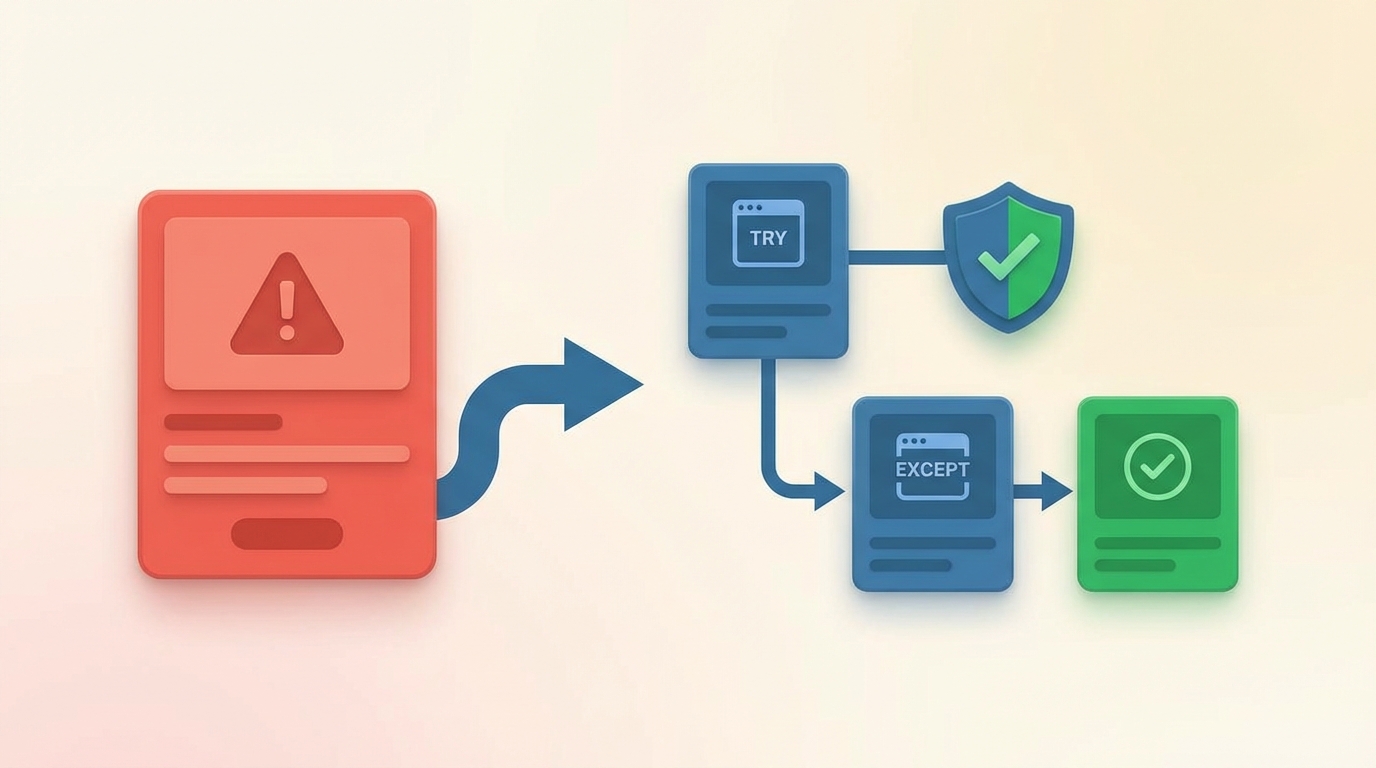
Types of Errors
Python errors fall into two categories:
Syntax errors happen when code breaks Python's rules. A missing colon, unmatched parentheses, or incorrect indentation will cause Python to refuse to run your code at all.
Runtime errors happen while the program runs. The syntax is correct, but something goes wrong during execution, like dividing by zero or accessing a missing file.
Debugging Basics
The simplest debugging technique is adding print() statements to see what values your variables hold at different points. When that's not enough, most code editors (including VS Code) have built-in debuggers that let you pause execution, step through code line by line, and inspect variables.
Python's error messages help too. They tell you the type of error and the line where it occurred. Reading them carefully often points you straight to the problem.
Common Exceptions
When a runtime error occurs, Python raises an exception. Here are ones you'll encounter often:
# TypeError - wrong type for an operation
"5" + 5  # Can't add string and integer

# ValueError - right type, wrong value
int("five")  # Can't convert "five" to integer

# ZeroDivisionError
10 / 0

# FileNotFoundError
open("missing.txt")
Handling Exceptions
The try/except block catches exceptions before they crash your program:
try:
    result = 10 / 0
except ZeroDivisionError:
    print("Can't divide by zero!")
Add else for code that runs only if no exception occurred, and finally for code that always runs:
try:
    result = 10 / 2
except ZeroDivisionError:
    print("Can't divide by zero!")
else:
    print(f"Result: {result}")
finally:
    print("Calculation attempted")
The finally block is useful for cleanup tasks like closing files or connections, regardless of whether an error occurred.
Raising Exceptions
Use raise to trigger exceptions intentionally:
def validate_age(age):
    if age < 0:
        raise ValueError("Age cannot be negative")
    return age
This lets you signal errors in your own code when inputs are invalid or conditions aren't met.
Custom Exceptions
For specific error conditions, create custom exception classes:
class InvalidShapeError(Exception):
    pass

def draw_polygon(sides):
    if sides < 3:
        raise InvalidShapeError("Shape needs at least 3 sides")
    # drawing code...
Custom exceptions make your error handling more precise and your code easier to understand.
Project: Input Validation
Let's add error handling to a Turtle program that draws user-specified shapes:
import turtle

class InvalidShapeError(Exception):
    pass

def get_num_sides():
    user_input = input("Enter number of sides (3 or more): ")

    try:
        sides = int(user_input)
    except ValueError:
        print("Please enter a valid number.")
        return get_num_sides()

    if sides < 3:
        raise InvalidShapeError("A shape needs at least 3 sides.")

    return sides

def draw_shape(t, sides):
    angle = 360 / sides
    for _ in range(sides):
        t.forward(100)
        t.left(angle)

screen = turtle.Screen()
t = turtle.Turtle()

try:
    num_sides = get_num_sides()
    draw_shape(t, num_sides)
except InvalidShapeError as e:
    print(e)

turtle.done()
The program validates input twice: first checking it's a number, then checking it's at least 3. Each validation uses a different technique. Invalid text triggers a ValueError that we catch and retry. Numbers below 3 trigger our custom InvalidShapeError.
In the next unit, we'll learn to write tests that verify our code works correctly.