While and For Loops
Repeating Code in Python
· 3 min read
In the previous unit, we covered pattern matching with match-case. Now let's look at loops, which let you repeat code without writing it multiple times.
Repeating Code in Python
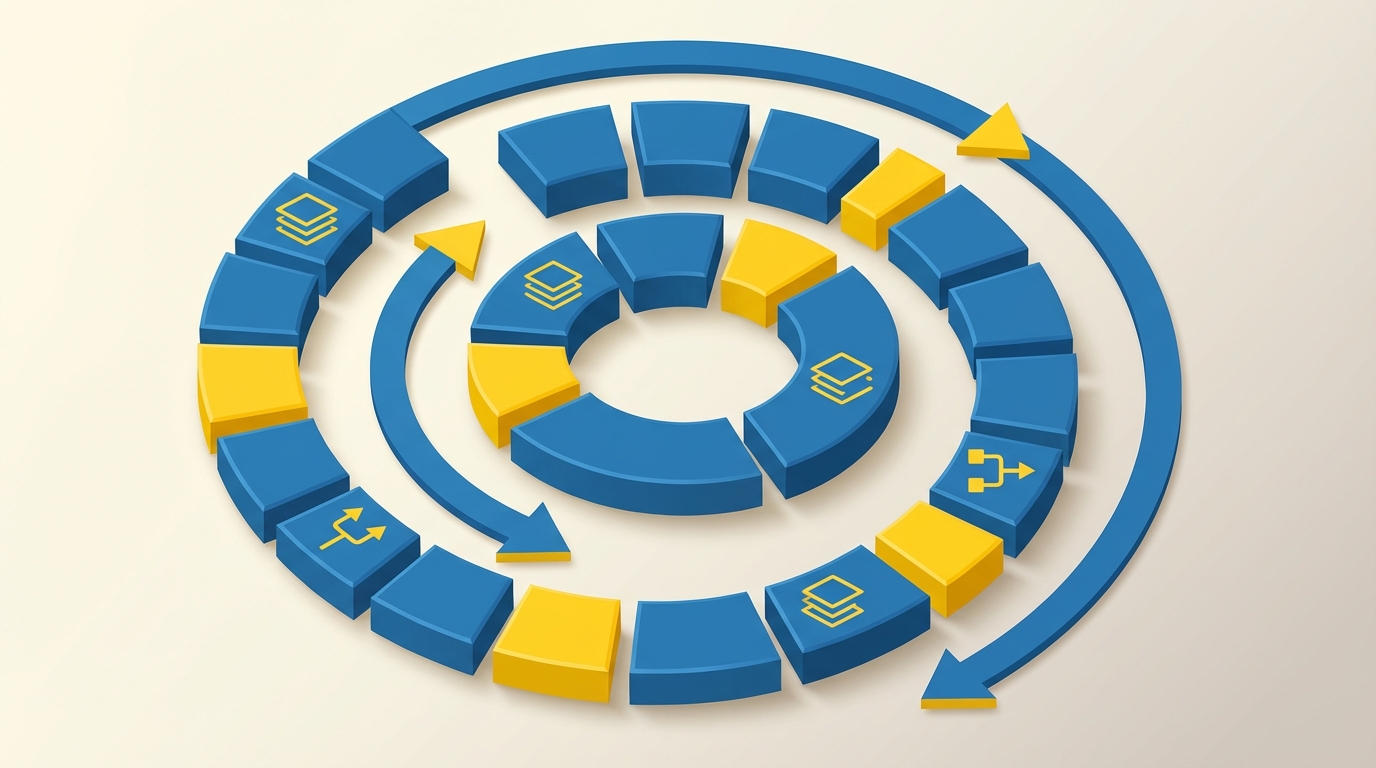
In the previous unit, we covered pattern matching with match-case. Now let's look at loops, which let you repeat code without writing it multiple times.
Pattern Matching in Python
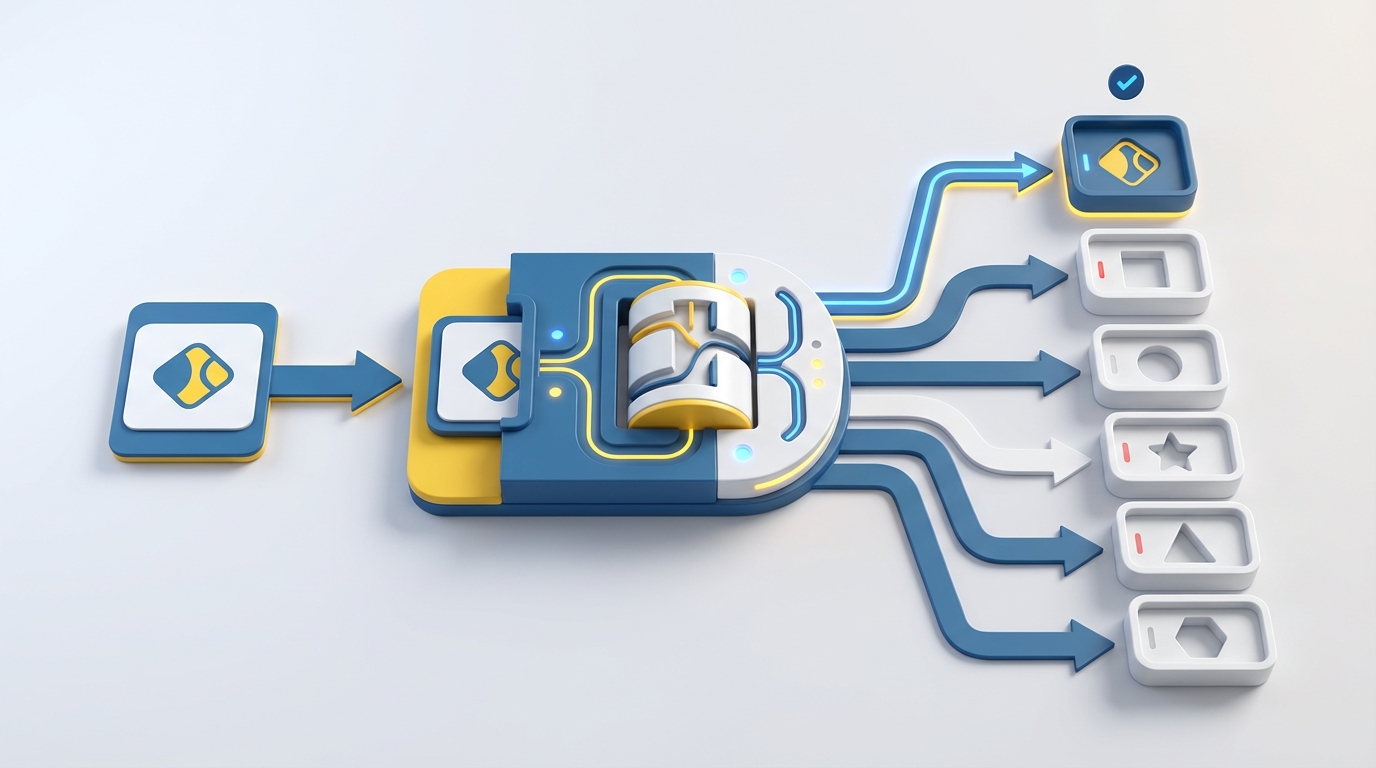
In the previous unit, we used if, elif, and else to make decisions. Python 3.10 introduced a cleaner alternative for certain situations: the match-case statement. It's particularly useful when you're comparing one value against several possibilities.
Making Your Code Choose
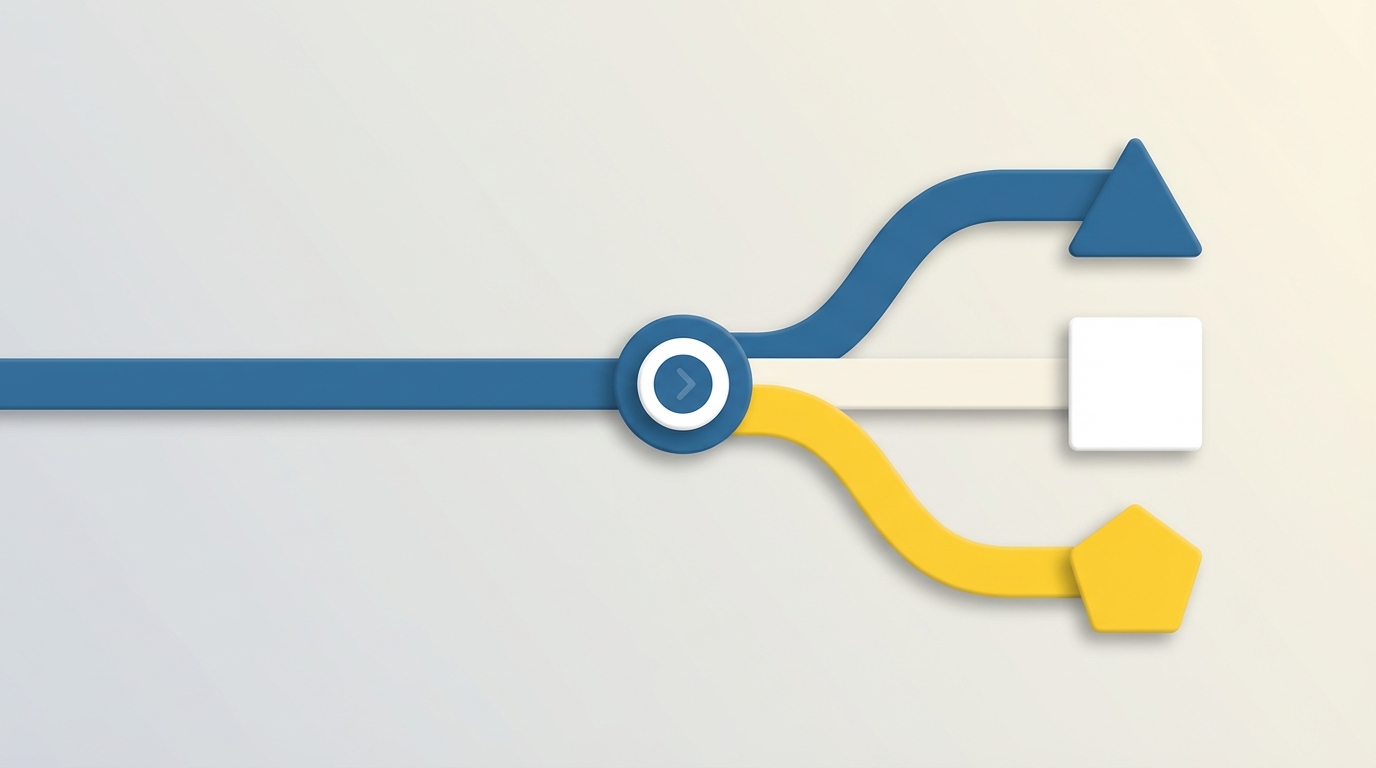
In the previous unit, we covered operators and boolean logic. Those comparisons that return True or False? Now we put them to work. Conditional statements let your program make decisions based on those boolean results.
Making Decisions with Math and Logic
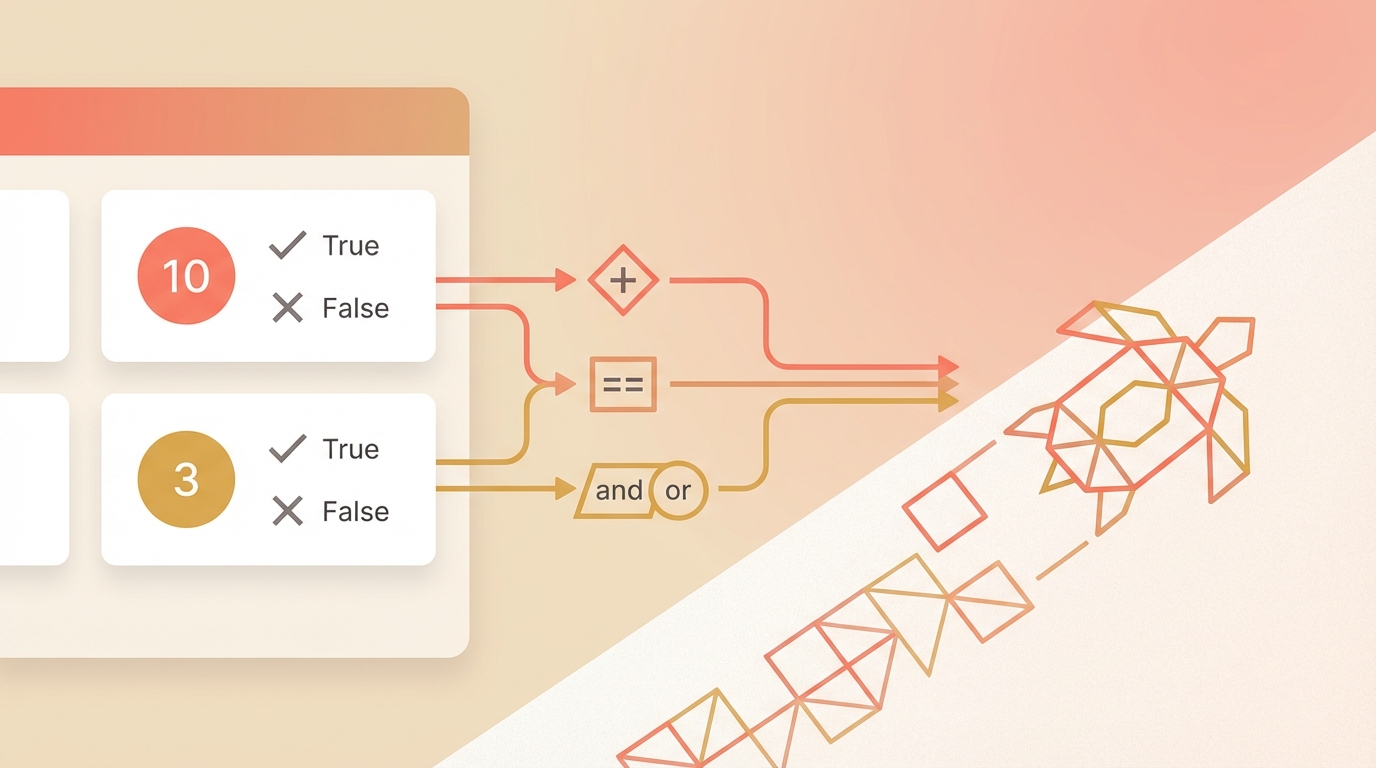
In the previous unit, we covered variables and data types. Now let's look at what you can actually do with those values. Operators are how Python performs calculations and makes comparisons. They're the verbs of programming.
Storing Information in Python
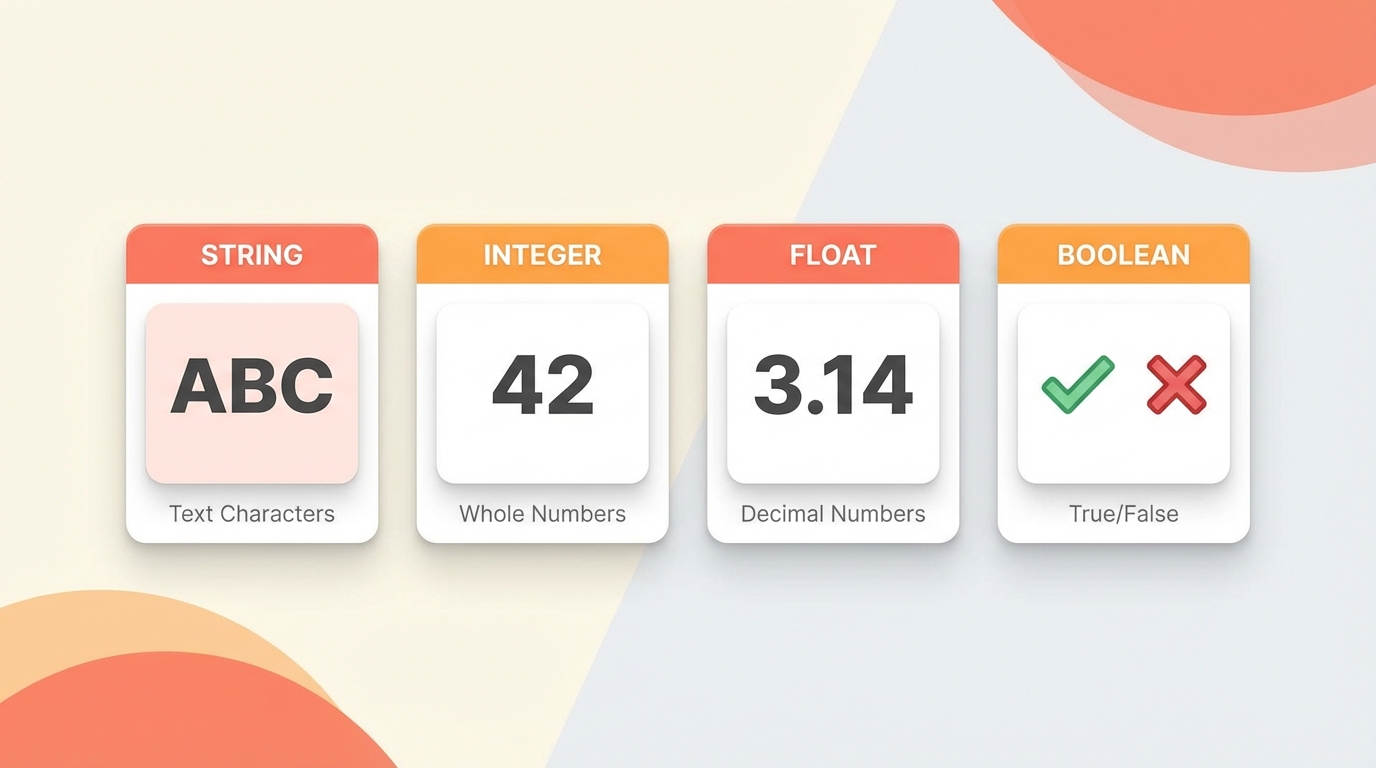
In the previous unit, we set up Python and drew our first shapes with Turtle. Now it's time to understand how Python stores information. Variables and data types are the building blocks of every program you'll write.
Setting Up Your Environment and Drawing Your First Shape
This is the first unit in my Python tutorial series. We're starting with the absolute basics: what programming is, how to set up Python on your machine, and your first program. By the end, you'll have a little turtle drawing shapes on screen.

A Visual Approach with Turtle Graphics
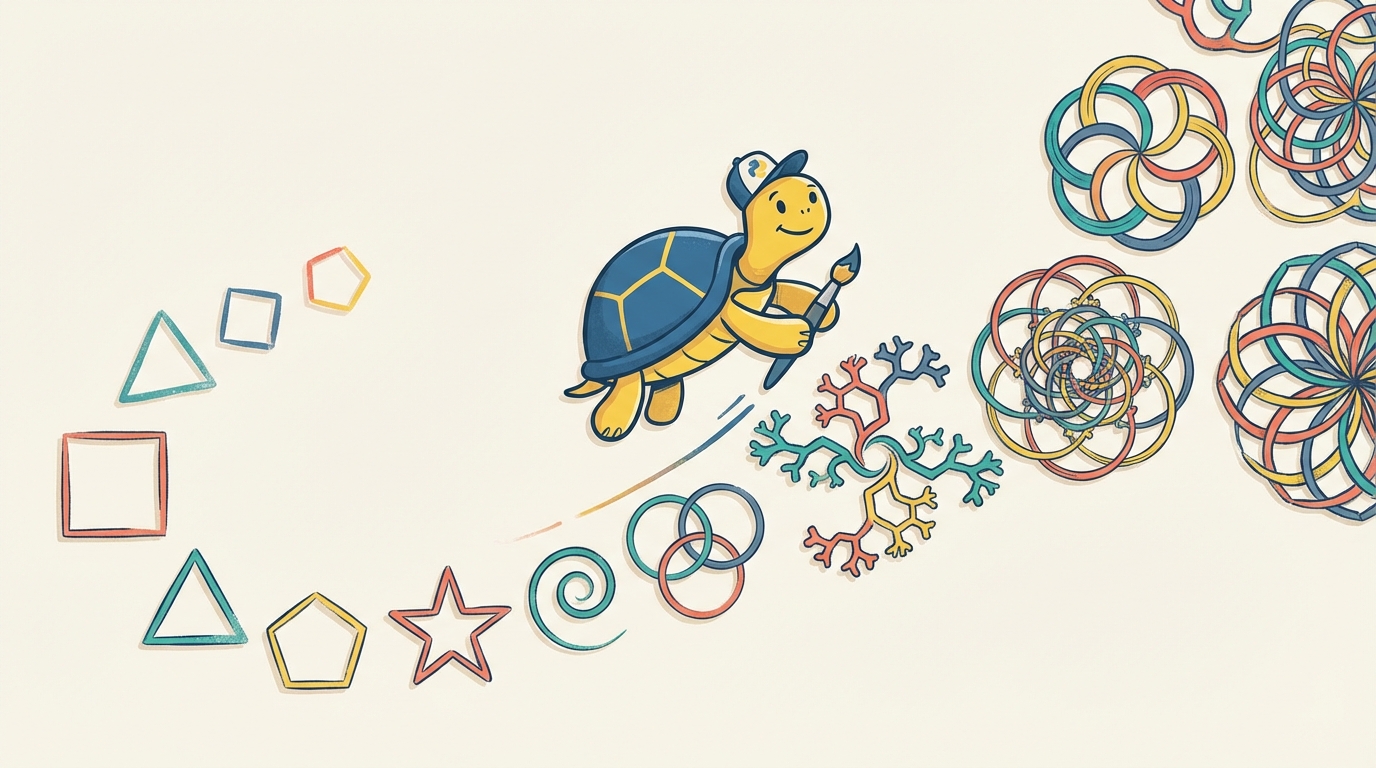
When I set out to teach my kids programming, I wanted something different from the typical "Hello World" progression. I wanted them to see what their code was doing, immediately, on screen. That's what led me to Python's Turtle library.
Turtle gives you a little cursor that you can move around the screen with code. Tell it to go forward, turn left, change colors. The feedback is instant and visual. For someone just starting out, that connection between typing code and seeing something happen is everything.
This course grew out of that experience. It starts with the absolute basics (what even is programming?) and builds through thirty-four units to a working Snake game. Each unit has theory, code examples, and a mini project. The projects all use Turtle, so you're building something visual every step of the way.